
Description
Make (formerly Integromat) is a powerhouse visual workflow automation platform engineered for modern businesses, operations teams, and growth marketers. Unlike traditional, rigid automation tools, Make empowers you to design, build, and automate complex tasks without touching a single line of code.
At its core, Make offers an unparalleled visual builder. Users map out integrations using a drag-and-drop interface, watching data flow between apps in real-time. Whether you are syncing CRM data, deploying omnichannel marketing campaigns, or parsing webhook payloads, Make handles it seamlessly. It supports advanced logic—including conditional routers, data aggregators, and custom error handling—giving you precise control over your operations in a strictly no-code environment.
Best Use for?
Designing complex, multi-step automated workflows and seamlessly connecting disparate business applications for operations managers, growth marketers, and no-code developers.
Key Features
Visual Scenario Builder:
Design, build, and track real-time workflow executions using an intuitive, canvas-based drag-and-drop interface.
1000+ App Integrations:
Connect popular business tools natively, or leverage universal HTTP/Webhook modules to connect any custom API.
Advanced Logic Modules:
Implement developer-level data processing using built-in routers, iterators, aggregators, and comprehensive error handlers.
Ready-to-Use Templates:
Launch your automations faster by choosing from thousands of pre-built workflow templates categorized by industry and use case.
Scale & Orchestrate your AI Automations
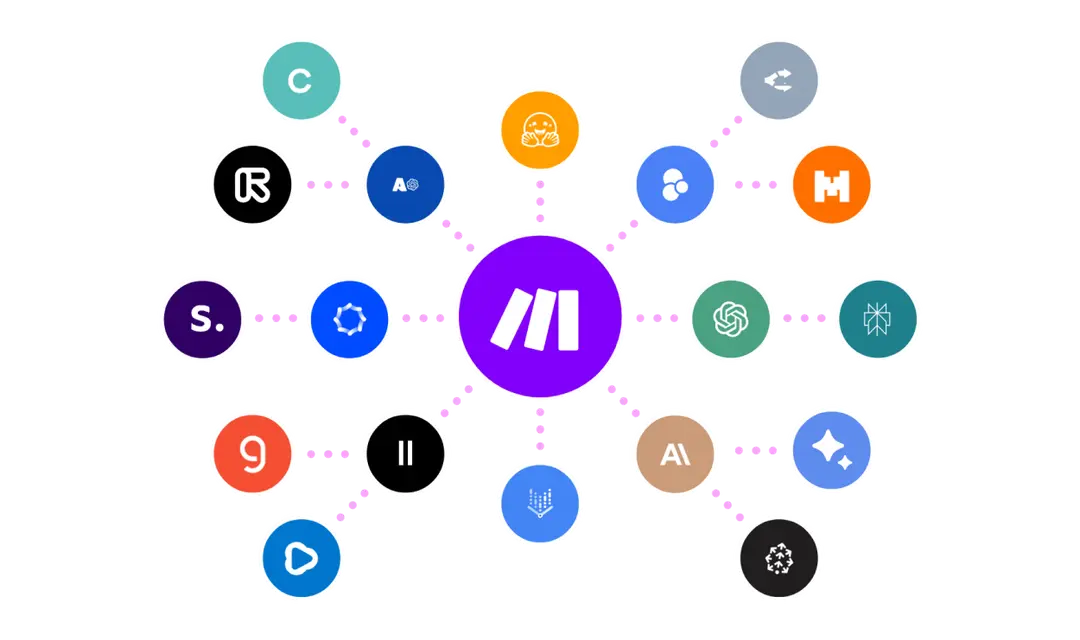
Build faster, more adaptable operations with agentic automation you can see and control. Scale with Make AI agents working alongside teams. Boost results with 400+ pre-built AI app integrations.
IT Automation
Cut complexity and move faster by automating everything from monitoring to incident response. Connect tools, integrate AI, reduce manual work, and free your team to focus on innovation.

Frequently Asked Questions
Pros
Handles highly complex, multi-step logic workflows beautifully.
Highly cost-effective pricing structure compared to leading competitors.
Unparalleled transparency with real-time execution tracking and data inspection.
Cons
Steeper learning curve for absolute beginners unfamiliar with data structures.
The visual canvas can become difficult to navigate for massive, enterprise-scale workflows.